
SNS social login is a convenient login method that allows you to access SOOP easily without using a standard account.
You can also link your existing SOOP account with your frequently used SNS accounts for easier access.
1. You can quickly log in via PC or mobile app using SNS accounts such as Kakao, Naver, Apple, Twitch, Google, Facebook, X, and WeChat.
*Click “See more options” to see additional SNS icons.
*However, for X (formerly Twitter), login via SNS may not be supported.
In this case, please use the “Find Password” feature and complete email verification to set a password for login.
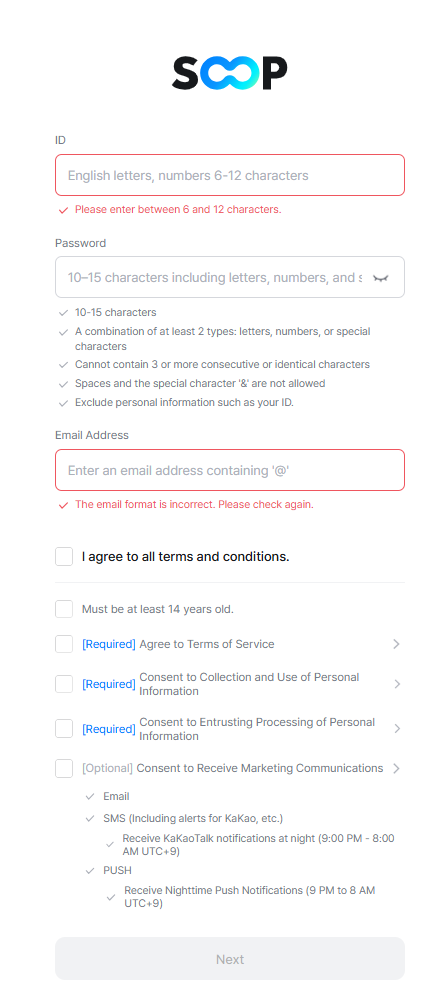
2. You can sign up using SNS social login.
Compared to standard sign-up, this requires minimal information—only ID, phone number, and email address.
3. You can link SNS accounts to your existing ID for easier login.
1) Link your SNS account to your existing ID to use social login.
2) On PC: Profile > Account Management → Activate the desired SNS account
3) On Mobile: Profile > Account Management → Activate the desired SNS account
4) You can link up to 4 SNS accounts.
*If you delete an account linked with an SNS account, you can register that SNS account again with another ID after 6 months from the deletion date.