For overseas accounts, you can find your ID/password through email verification.
Please follow the steps below to proceed with email verification:
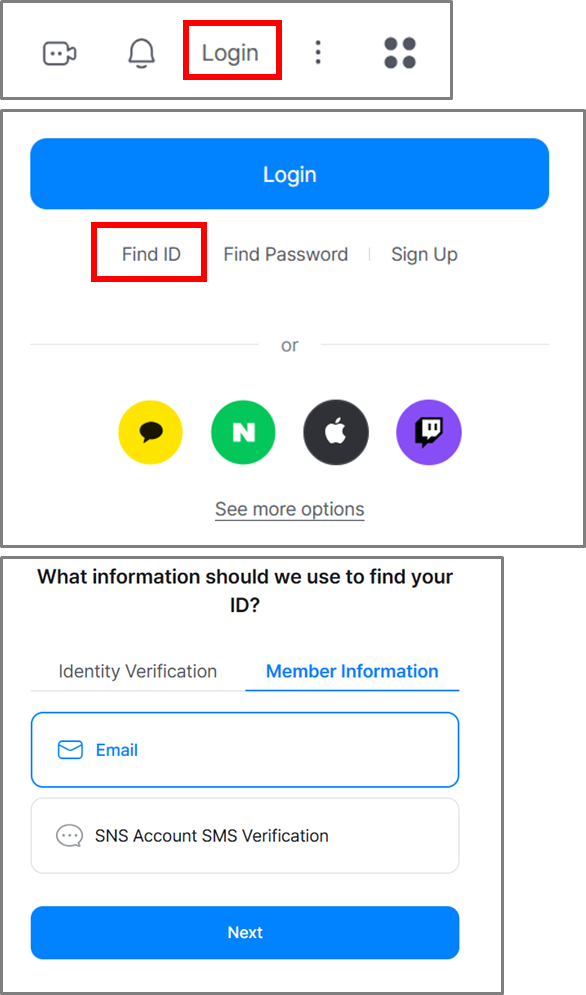
[PC]
Go to the SOOP website → Click the Login button
→ Click “Find ID/Password” at the bottom → Member Information → Email
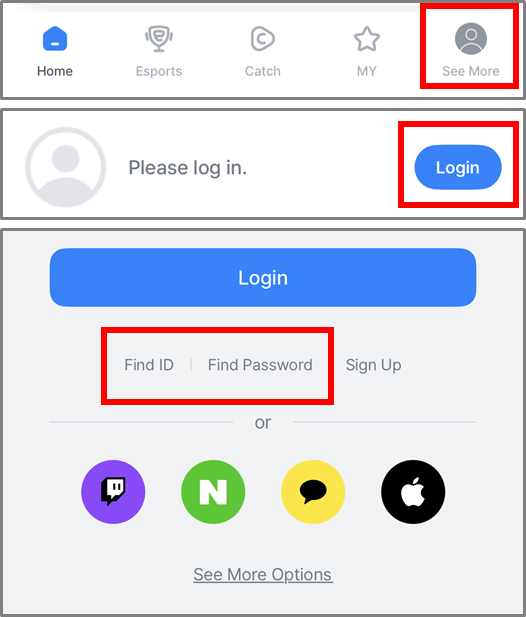
[Mobile]
Open the SOOP app → Tap “See More” at the bottom right → Tap Login
→ Select “Find ID/Password” → Member Information → Email