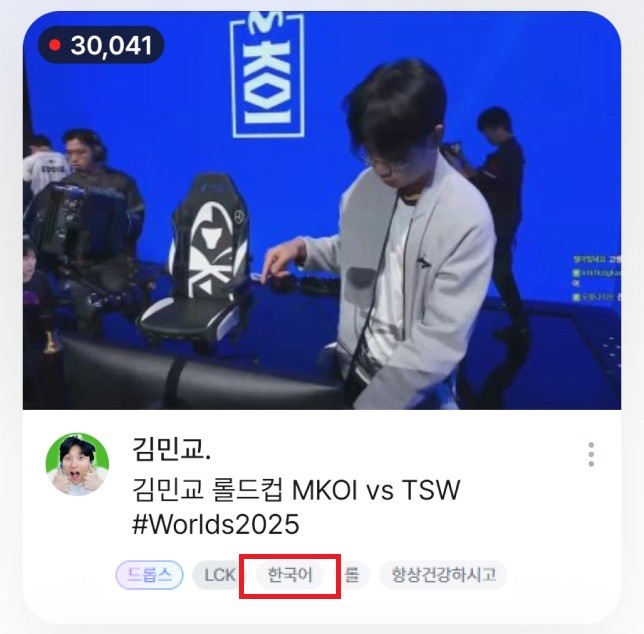
A language tag is automatically added to your stream based on your selected broadcast language setting.
You can choose from a total of 17 languages, and the tag will be displayed across various sections such as the main screen, LIVE, Explore, Channel, CATCH, VOD, Rankings, and MY.
You can set your broadcast language using the following methods:
[Path]
PC: FreecShot Plus / FreecShot / External Device Broadcast Settings > Broadcast Settings > Broadcast Language
Android: Go Live / Live Cam / External Device Broadcast > Broadcast Settings > Broadcast Language
iOS: Go Live / External Device Broadcast > Broadcast Settings > Broadcast Language