
Virtual Assistant gift notifications allow you to display the user who sent a gift and the number of Star Balloons as subtitles on the broadcast screen.
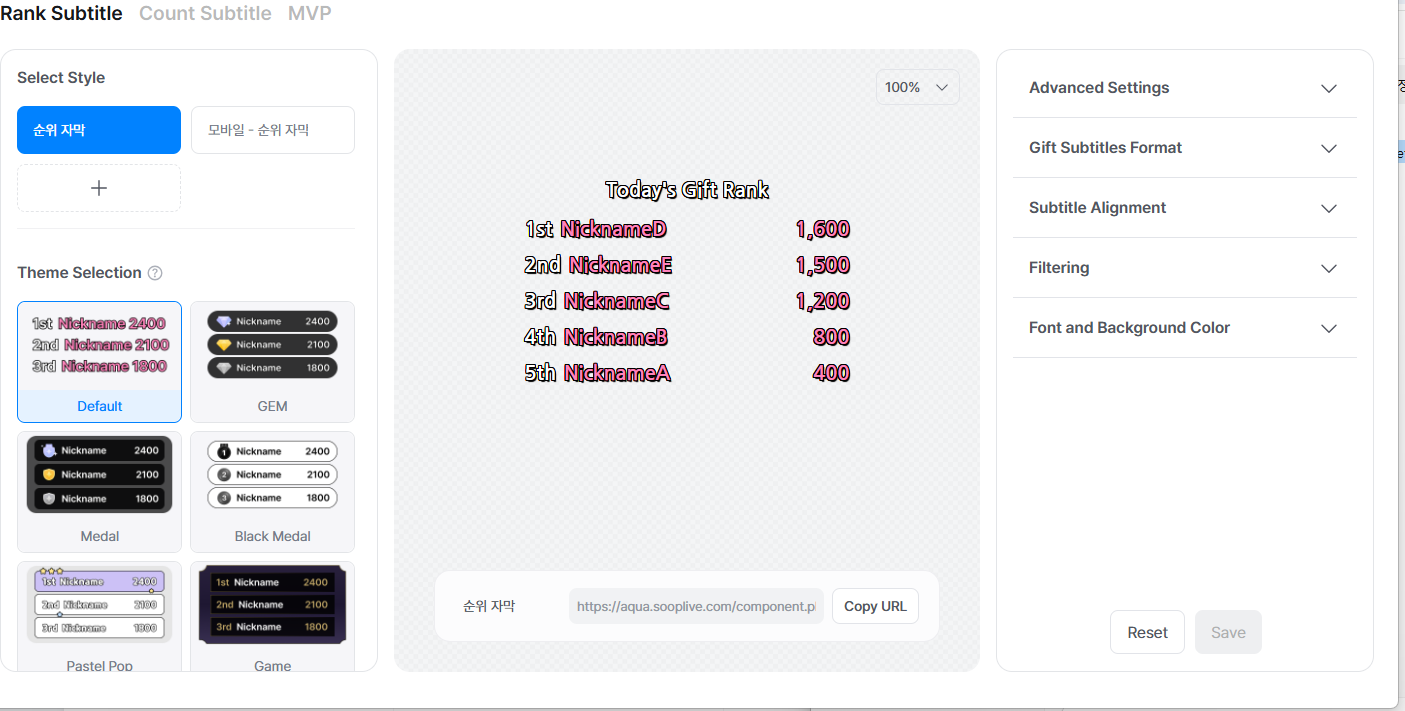
You can customize your own gift subtitles in various formats, such as count subtitles, ranking subtitles, and MVP.
[How to Set Gift Subtitles]
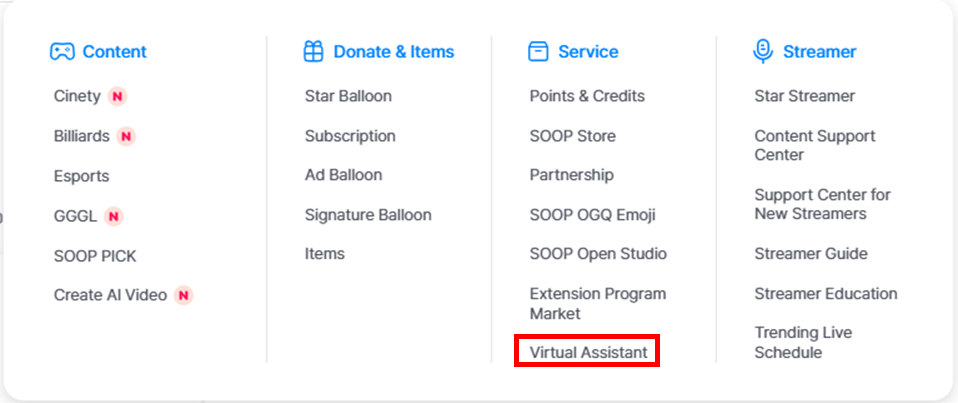
STEP 1: Go to the Virtual Assistant settings page.
STEP 2: Configure your gift subtitles and save the settings.
STEP 3: Apply the Virtual Assistant in FreecShot and start your broadcast.