You can easily start a broadcast on mobile by following the steps below:
STEP 1 Open the SOOP app
STEP 2 Tap the “Stream” button
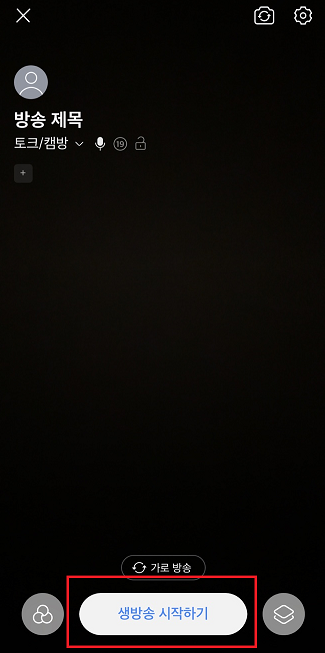
STEP 3 Set your stream title, category, and other settings
STEP 4 Tap “Start Stream” to go live
You can easily start a broadcast on mobile by following the steps below:
STEP 1 Open the SOOP app
STEP 2 Tap the “Stream” button
STEP 3 Set your stream title, category, and other settings
STEP 4 Tap “Start Stream” to go live
Need more help?