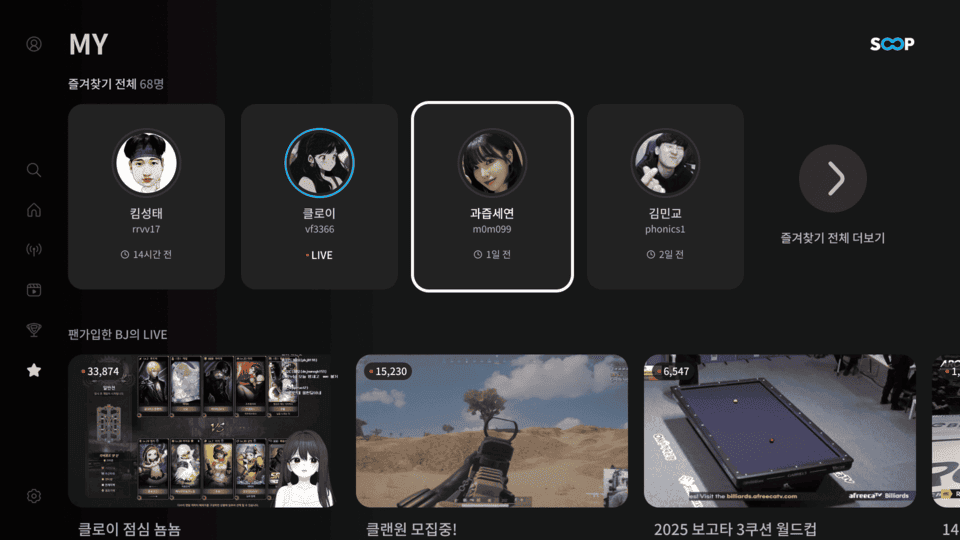
You can also watch broadcasts on a Smart TV.
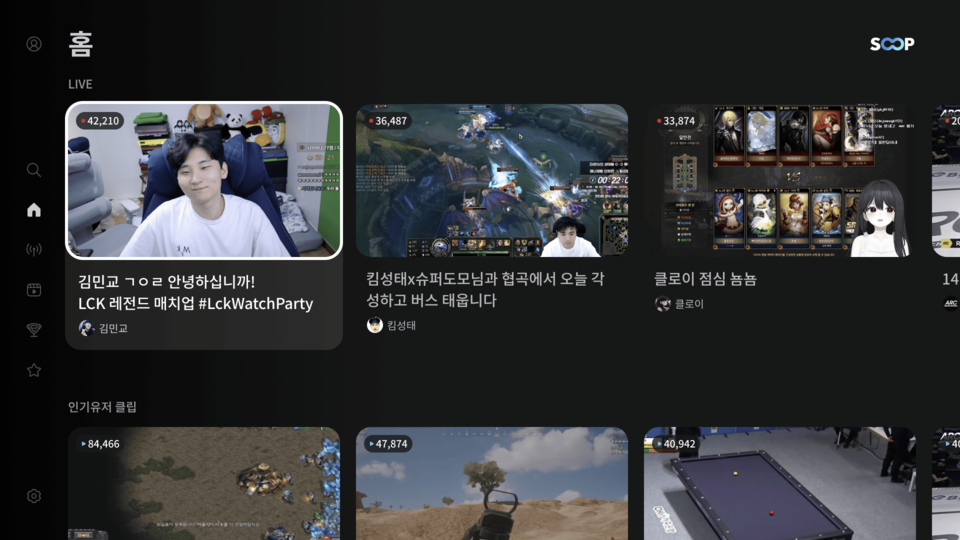
[Key Features]
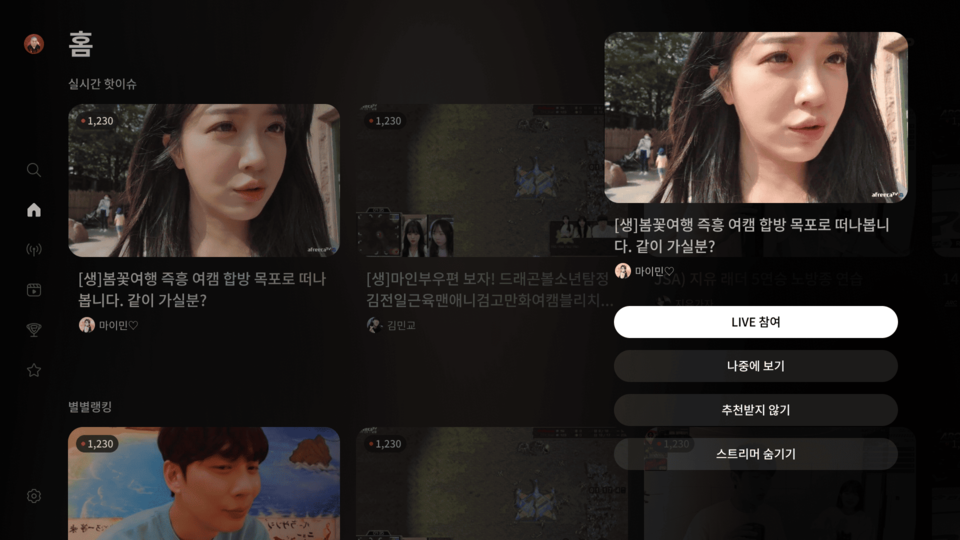
- List Options Menu
- You can select Watch Later / Not Interested / Hide Streamer from the broadcast list.
- This menu is activated by pressing and holding the remote’s select (enter) button for more than 2 seconds.
- The available options may vary depending on the section.
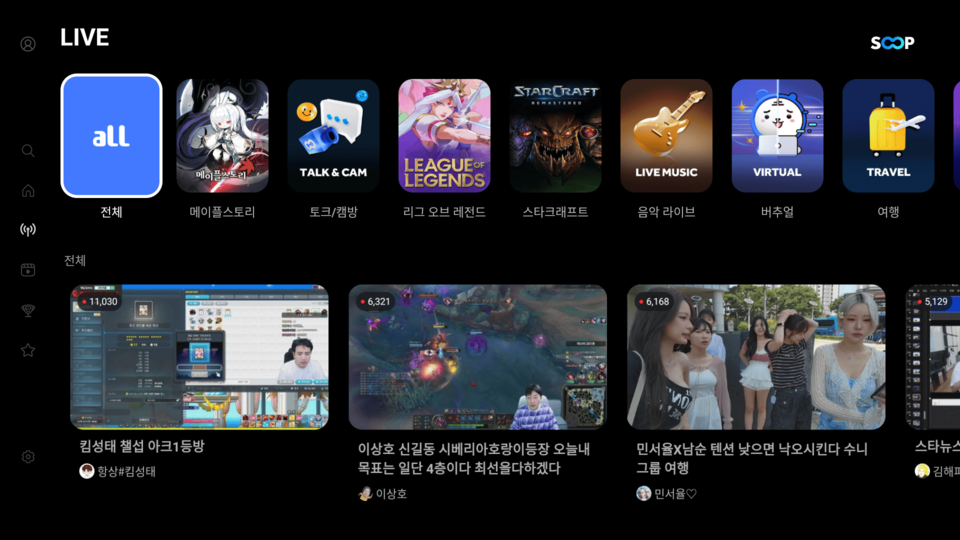
- Categories
- You can browse various categories.
- Categories are not fixed and may change based on popularity.
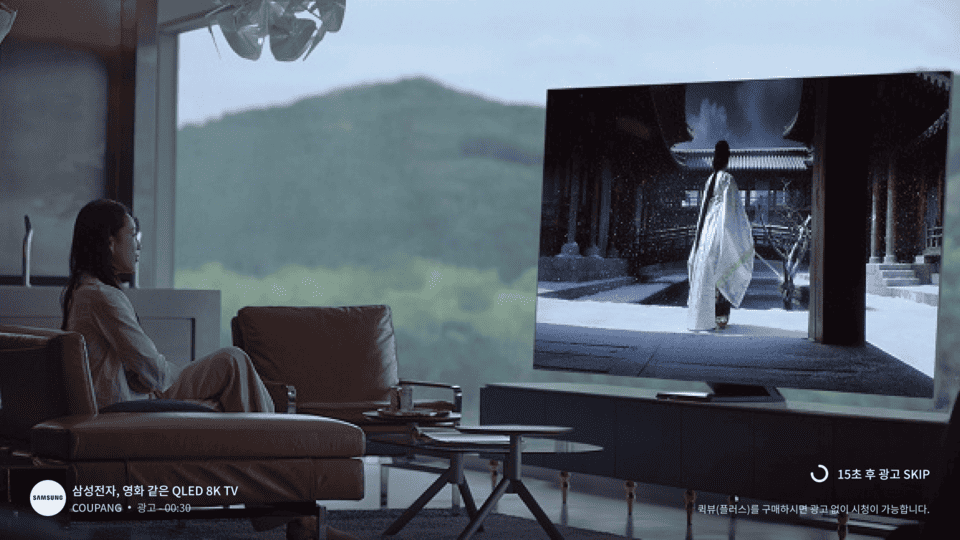
- Video Ads
- Video ads are shown when entering LIVE or VOD content.
- Watching ads provides revenue to the streamer.
- Ad skip benefits apply when using Quick View or Subscription.
- MY / Favorites
- You can check your favorites list at the top of the MY page.
- Selecting a streamer from the list enables [Join LIVE] / [Remove from Favorites] options.
*[Join LIVE] is only available when the streamer is live.