
The auto-payment service allows you to make payments or recharge automatically at regular intervals.
For Star Balloon auto-recharge, you can set the number and date, and Star Balloons will be automatically recharged based on those settings.
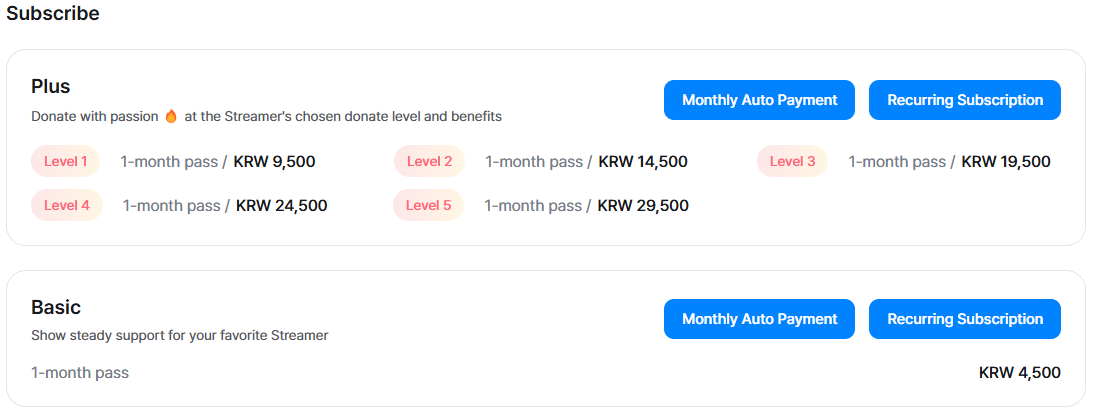
For Quick View/Quick View Plus and Subscription (Plus/Basic), automatic payments are processed monthly based on the selected billing date.
- Please note that auto-payment may not be available overseas.
[How to Apply]
Auto-payment can be set up on both PC and mobile, and for iOS, it can be set up via the mobile web.
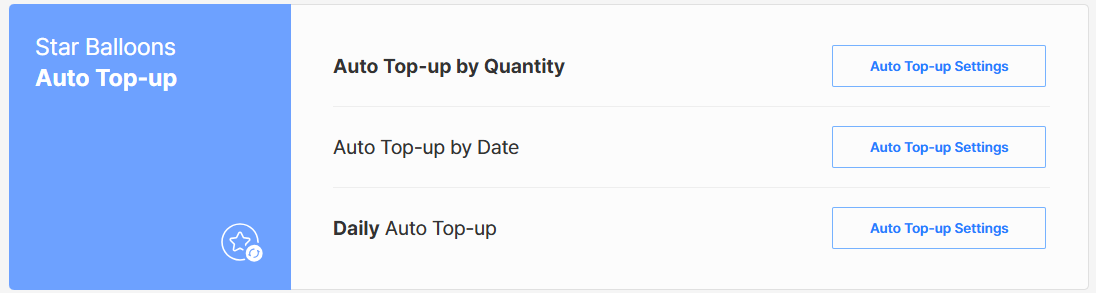
Star Balloons: Purchase page → Set up auto-recharge → Configure number, date and daily auto-recharge settings

- Available payment methods for auto-recharge: SOOP PAY, Credit Card, Kakao Pay, PAYCO, Mobile Payment
- For Star Balloon auto-recharge, if you set or change the recharge amount to 3,000 or more using SOOP PAY (Credit Card), an ARS verification process will be required for identity confirmation.
[Important Notes]
- Auto-payment products will be charged from the date of payment until cancellation or for the configured period
- If you wish to change your settings, please cancel the auto-recharge service and set it up again
- If the bank or card issuer declines the payment during the billing attempt, the auto-recharge service will be automatically canceled
- A test payment may be conducted to register payment information when setting the amount and date for auto-recharge
- The test payment will be canceled immediately, and no charges will be billed