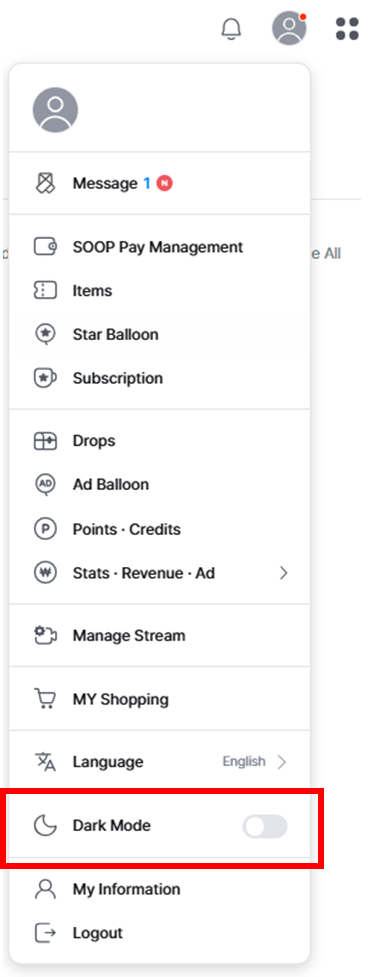
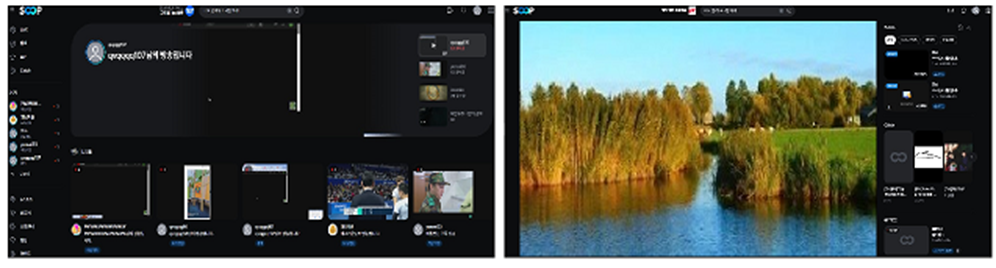
You can enable Dark Mode for frequently used screens such as the LIVE main, VOD main, LIVE/VOD player, Favorites, Search, Notifications, Channel, and Communication Center.
[How to enable Dark Mode]
- On PC: Click your profile and enable it from the personal layer menu.
- On Mobile: Go to More (bottom menu) > Settings (top right) to enable it.