
You can conveniently upload VODs through your channel.
[How to Upload VOD]
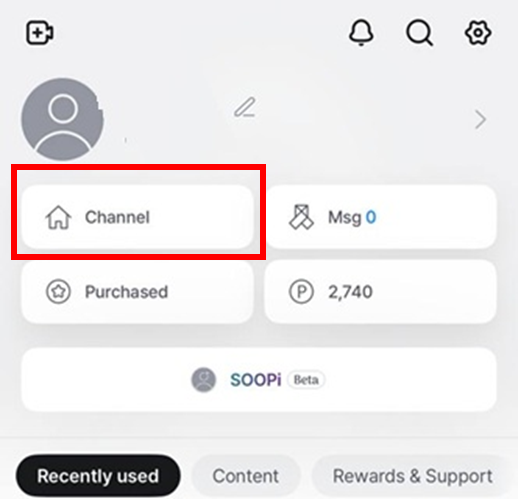
STEP 1 Tap “See More” at the bottom right, then go to My Channel
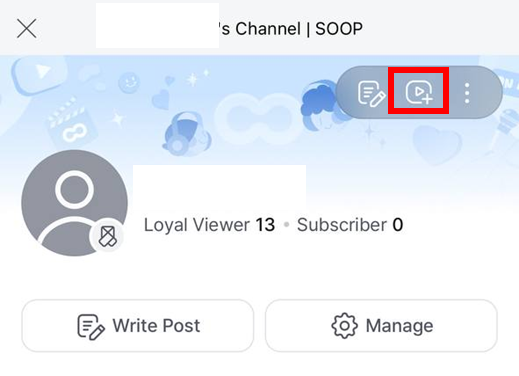
STEP 2 Tap the VOD Upload icon at the top and select a file
STEP 3 After the upload is complete, you can check the VOD in the selected board